
Help
Yawcam -> Images to movie
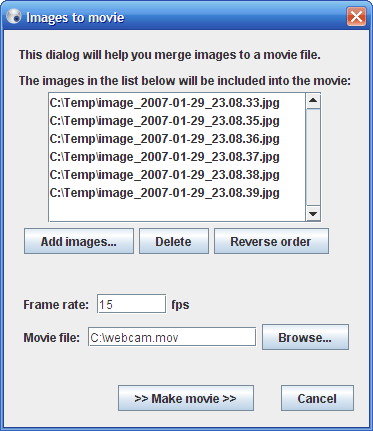
This function converts a series of images into a quicktime movie file. Access the function by clicking "File -> Images to movie..." from the text menu in the main window.
Start by adding the images you want to be included in the movie by clicking "Add images..." and selecting the images in the file chooser that pops up.
It's possible to delete images in the list by selecting them and click the "Delete" button. It's also possible to reverse the order of the images in the list by clicking the "Reverse order" button.
When the images for the movie has been selected, specify the frame rate of the movie. In other words how many of the images you want to see every second.
Also specify the name of the movie and where you want it to be saved.
At last click the ">> Make movie >>" button to start the making of the movie. You will then see a progress bar of the process that looks like this:

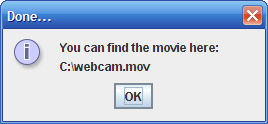
When the movie is finished you will see a window with information about where you can find the movie:
You need quicktime player (or compatible codec) to be able to see the movie file. Get quicktime here.