
Screenshots
On this page you will find some screenshots from Yawcam.
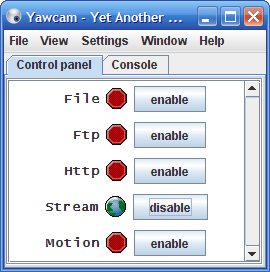
Img: The main window (control panel)
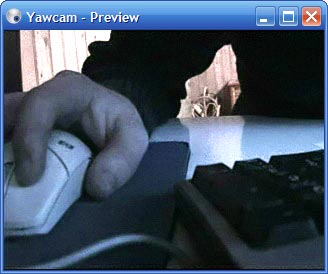
Img: The preview window
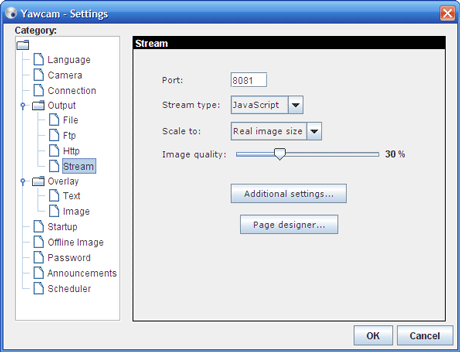
Img: The settings window
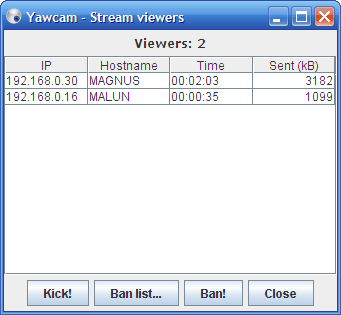
Img: Window that shows the viewers.
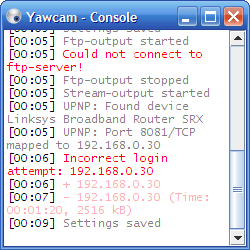
Img: The console window

Img: This is how the image stream can look in a browser.
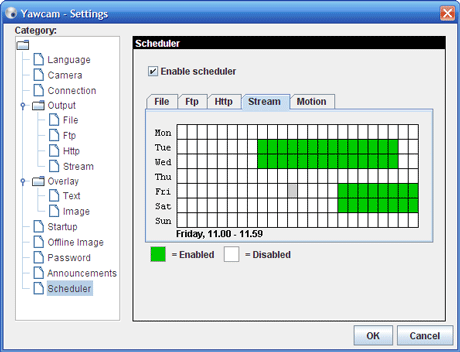
Img: A scheduler to start and stop the output types on predefined times.
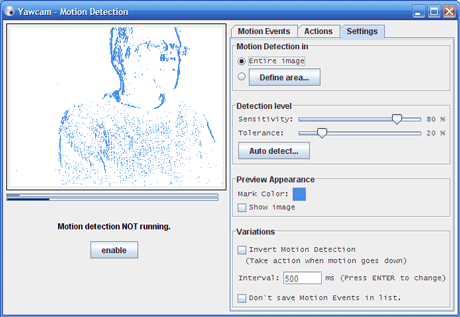
Img: Settings for the motion detection.
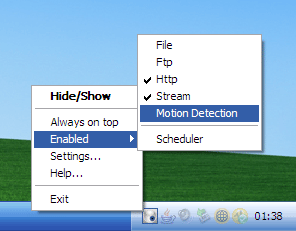
Img: The tray icon and its popup menu.